Guest chooses
Guests browse your menu and send their choice using the configured flow.
For counter and collection
Connect guest choices, counter decisions, preparation and collection with the workflow your quick-service business uses.
Software on your existing devices. No hardware supplied.
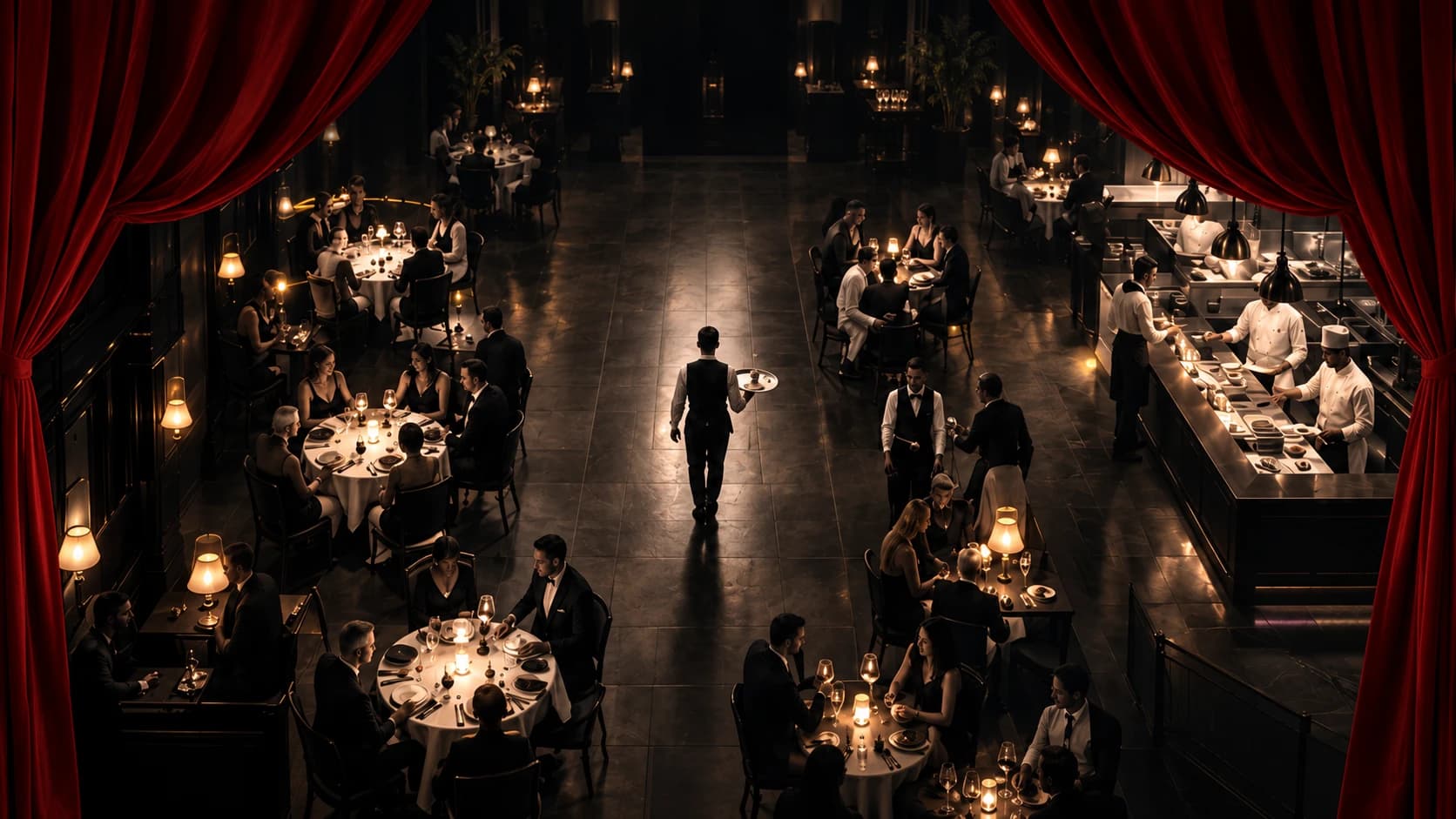
Fast food
Guests choose from your digital menu using the applicable public or configured seating context. Counter and takeaway service are core quick-service channels.
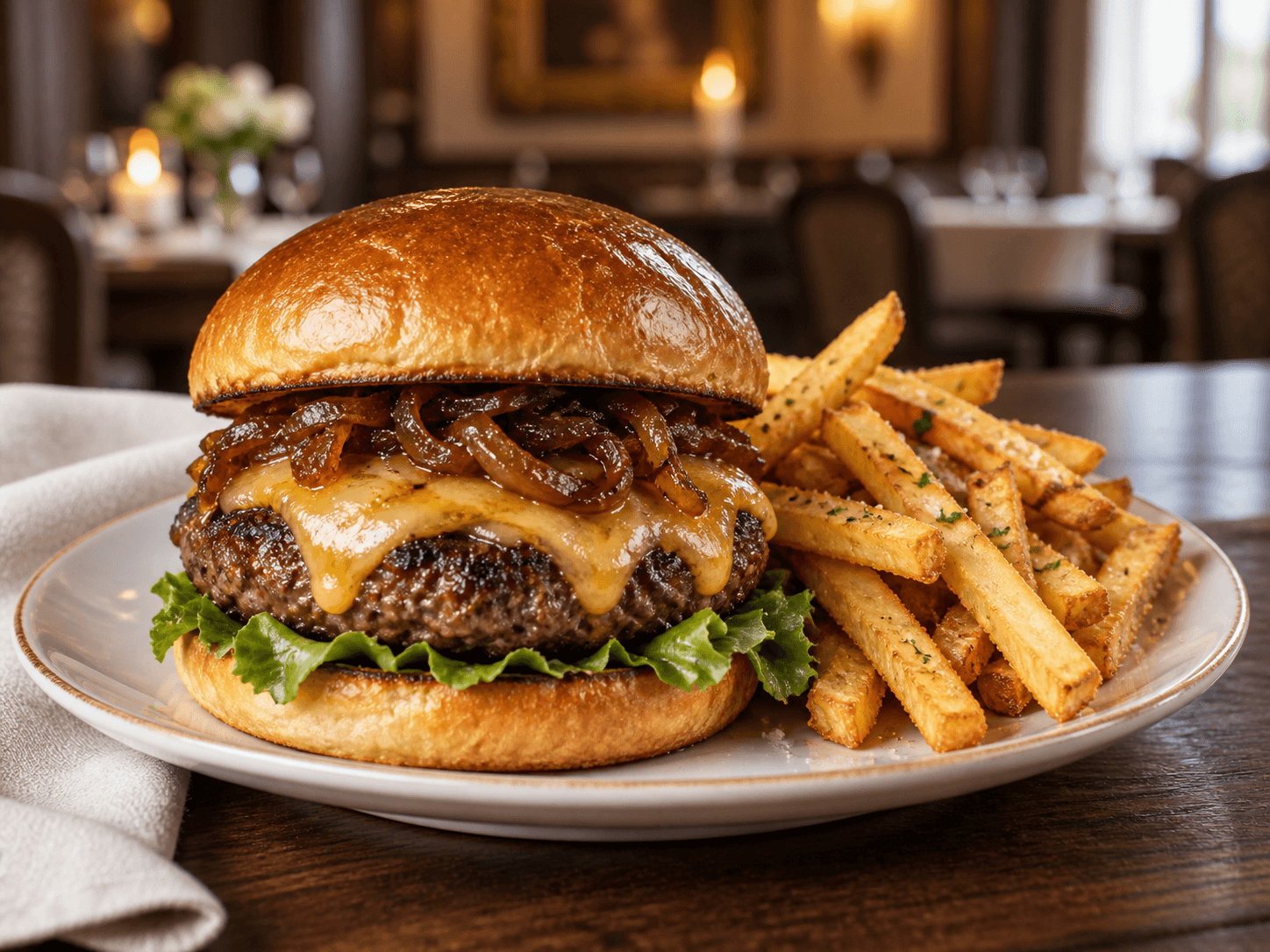
Fast food
The configured counter workflow makes the next staff action clear. Payment is taken through your own till; accepting a request is not itself proof of payment.
Fast food
Preparation tickets keep the relevant items together. A pickup number helps identify collection without exposing private order details publicly.
Fast food
Optional seating appears only where selected and permitted. This is not a promise of a delivery network or universal till integration.
How it works
From guest choice to served. Payment remains at your business's own till.
Guests browse your menu and send their choice using the configured flow.
The relevant staff see the order, with clear items, notes and next actions.
Your team records the appropriate service or handover. History stays intact.
Same devices. A clearer service day.
Choose your business, see the current plans and create your workspace.