Guest chooses
Guests browse your menu and send their choice using the configured flow.
For coffee and light bites
Let guests choose comfortably while your team keeps drinks, food and handover organised.
Software on your existing devices. No hardware supplied.
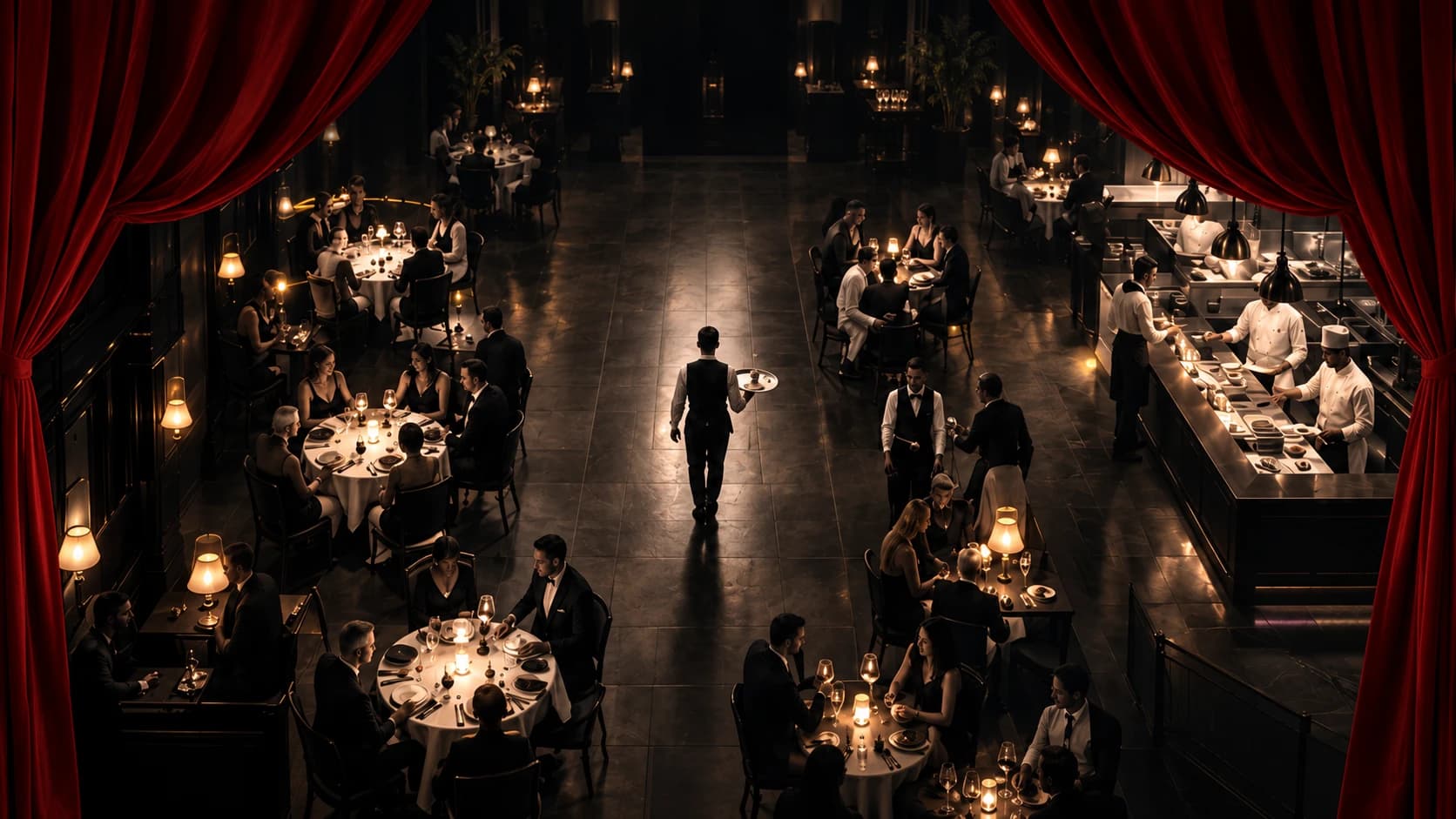
Café
Present your drinks and food with your photos, descriptions, prices and available choices. Guests browse in a supported language on their own device.
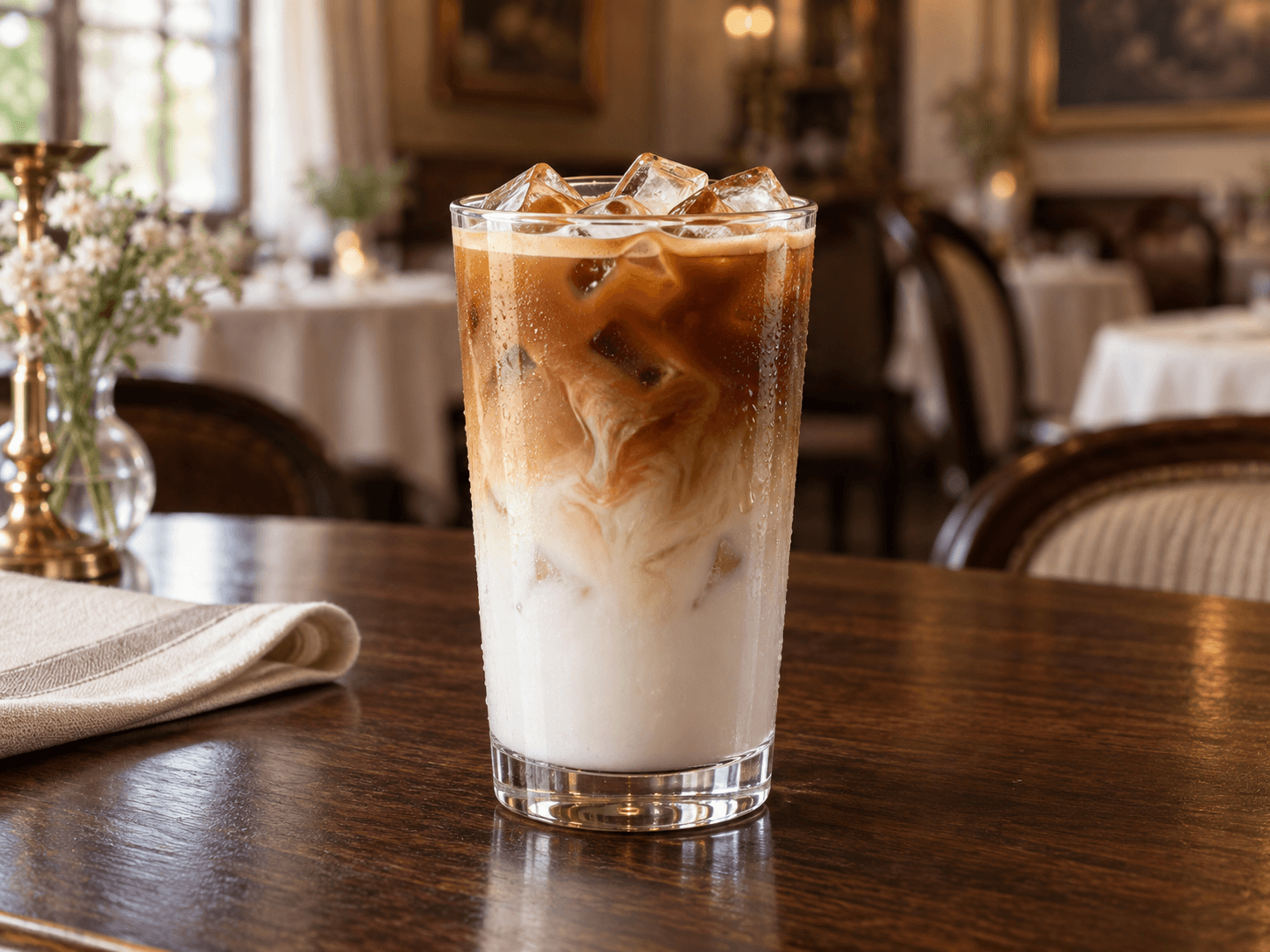
Café
Independent order cards and relevant preparation stages keep the current work visible. Preparation views show what needs to be made rather than unnecessary payment controls.
Café
Use the counter and takeaway flow, or the table-service option where enabled. The available tools follow your business configuration and staff permissions.
Café
Bill and payment requests are separate from receiving money. You keep your own till; there is no implied loyalty programme, reservation service or stock-level inventory.
How it works
From guest choice to served. Payment remains at your business's own till.
Guests browse your menu and send their choice using the configured flow.
The relevant staff see the order, with clear items, notes and next actions.
Your team records the appropriate service or handover. History stays intact.
Same devices. A clearer service day.
Choose your business, see the current plans and create your workspace.