Guest chooses
Guests browse your menu and send their choice using the configured flow.
For restaurant table service
Connect your guest menu, service staff and kitchen preparation while keeping your restaurant's own till.
Software on your existing devices. No hardware supplied.

Restaurant
Guests open the applicable table menu, read item details and send their order. Your own content and available language choices shape the experience.
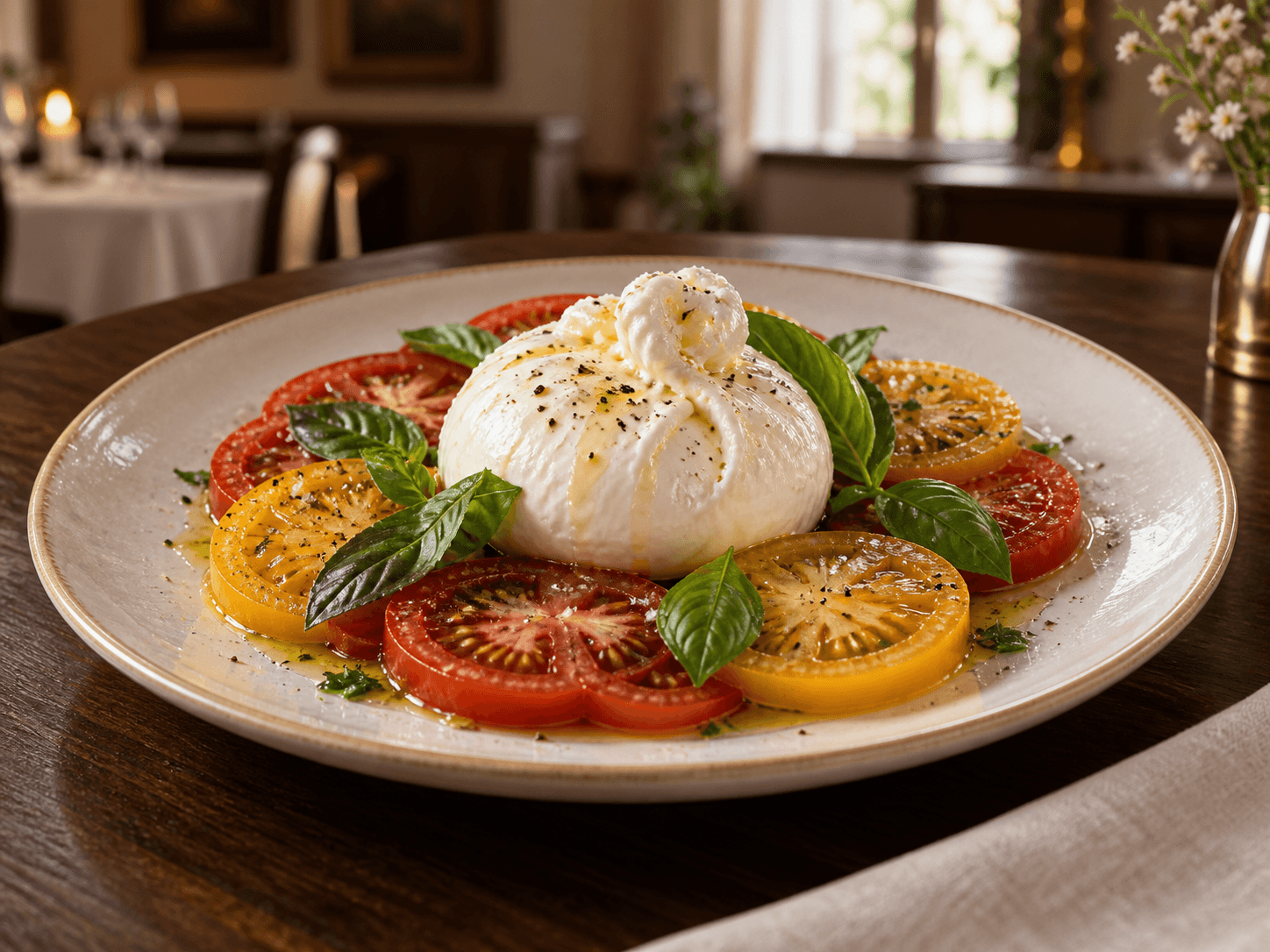
Restaurant
Orders move through staff acceptance, kitchen preparation and readiness for service. Each order has a separate card, and opening it shows the relevant details.
Restaurant
Show cash or card requests only when your business enables them. Your team handles the actual payment using the existing till, then records money received separately.
Restaurant
The owner's workspace brings together current service activity, menus and permitted records. Staff visibility follows your access settings, not the marketing illustration.
How it works
From guest choice to served. Payment remains at your business's own till.
Guests browse your menu and send their choice using the configured flow.
The relevant staff see the order, with clear items, notes and next actions.
Your team records the appropriate service or handover. History stays intact.
Same devices. A clearer service day.
Choose your business, see the current plans and create your workspace.